Tax documents available in the RollKall mobile app no later than January 31, 2026.
As you prepare to file your taxes, you may be gathering documentation related to off-duty jobs you worked in 2025 and were paid for through the RollKall platform. RollKall makes it easy to access your tax documents and a summary of payments processed through the platform.
Important: This article is general information only and is not tax advice. Your situation may be different. If you have questions about how to report income, consult a qualified tax professional.
When and where your tax documents are available
Your tax documents will be available in the RollKall mobile app no later than January 31, 2026. You will receive a notification in the app when the documents are available.
If you opted to receive a paper statement, it will be mailed on January 31, 2026.
When filing, consider how you were paid
RollKall supports off-duty programs in different ways depending on the agency program and how payment is handled. This article focuses on work you completed and were paid for through the RollKall platform (payments processed through RollKall). Use the sections below to understand what may (and may not) be included in your RollKall tax documents.
Off-duty jobs paid through payroll by your agency
If you were paid for off-duty work through your agency paycheck, those earnings have already been reported with your regular wages and will be included on your W-2.
Off-duty jobs worked through RollKall but paid directly by the vendor
Any income paid directly to you by the vendor (for example, cash paid on site) will not be included on your RollKall Payment Summary or Form 1099-K. You are generally still responsible for reporting taxable income you receive, even if no tax form is issued for those direct payments.
Off-duty jobs paid through RollKall
If you were paid through RollKall in 2025, you may need to report that income when you file your taxes. RollKall provides documentation for payments processed through the platform:
- Form 1099-K (when applicable) covering payments processed through RollKall.
- A RollKall Payment Summary showing payments processed through RollKall (available even if a 1099-K is not issued).
Form 1099-K generally reports gross payments processed through a payment settlement entity. It may not reflect adjustments such as fees, refunds, or other offsets. Use your RollKall Payment Summary and your own records to reconcile your totals.
Why RollKall issues a 1099-K (not a 1099-MISC)
RollKall is a technology platform that facilitates scheduling, oversight, invoicing, and payment processing for off-duty programs. RollKall does not employ officers, contract with officers to provide services on RollKall’s behalf, or direct and control how officers perform their work. Officers perform services for the agency and/or the requesting party.
Because RollKall facilitates payments rather than providing the officers’ services, the relevant information return (when reporting thresholds apply) is Form 1099-K, which is used to report certain payments made through payment settlement entities. A Form 1099-MISC would typically be associated with services performed on behalf of the payer, which is not how RollKall is structured.
1099-K reporting thresholds
For payments processed through payment apps and online marketplaces (third party settlement organizations), federal reporting is generally required when total gross payments exceed $20,000 and the number of transactions exceeds 200 for the year. Your state may have a lower reporting threshold, and you may still receive a Form 1099-K even if you do not exceed the federal threshold.
Whether or not you receive a Form 1099-K does not determine whether income is taxable. You may still be required to report taxable income on your return. Consult your tax professional for guidance specific to your situation.
How to access your 2025 RollKall tax documents
After you receive a notification in the RollKall mobile app, open the app and navigate to your Tax Documents section to download your available forms and your RollKall Payment Summary. (Menu labels may vary by app version.) Questions? Contact us at support@rollkall.com. We’re here to help you understand the structure and the reporting.
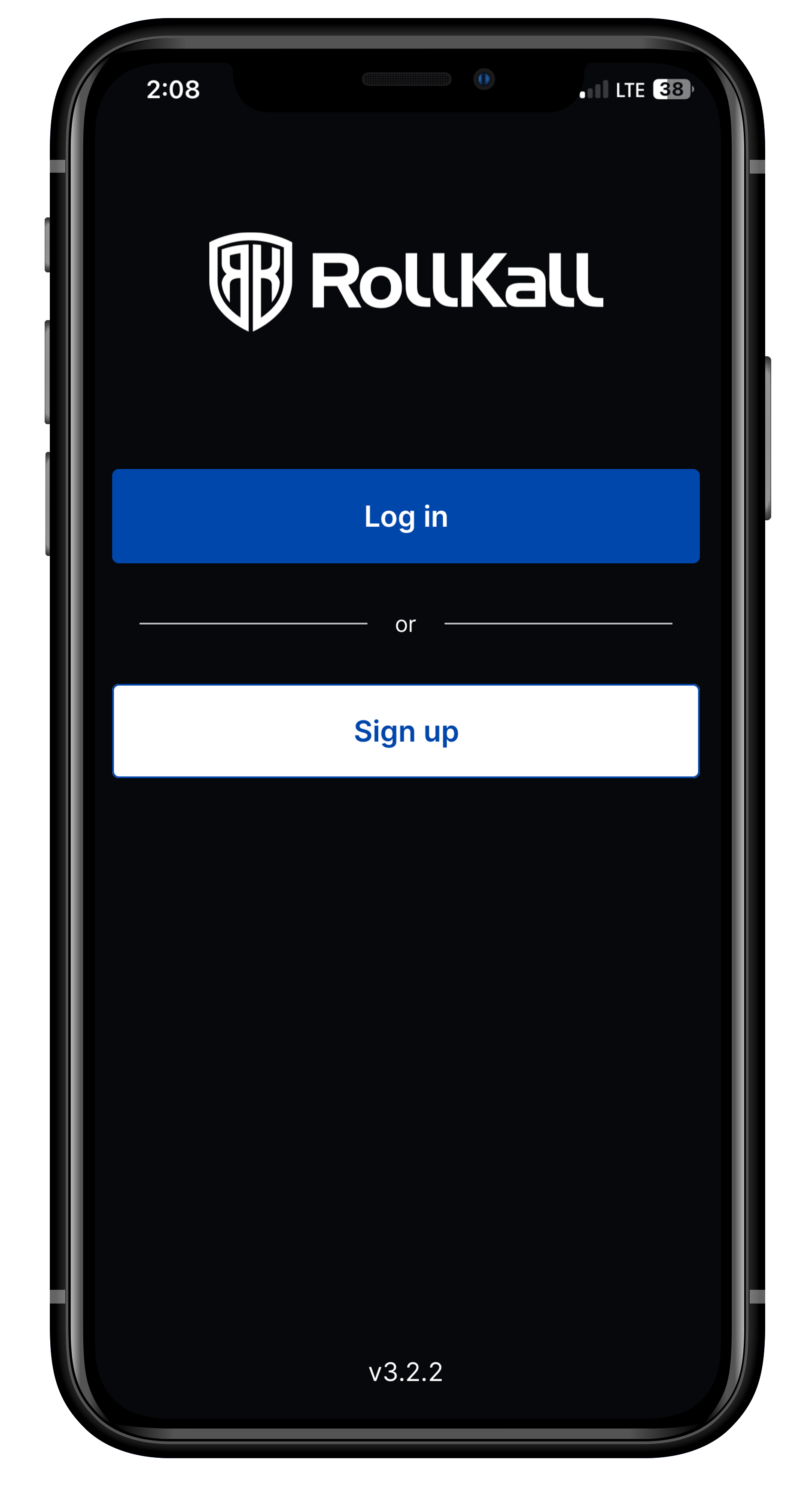
STEP ONE
When you receive an alert that your 2025 tax document is ready, open the RollKall App and login.
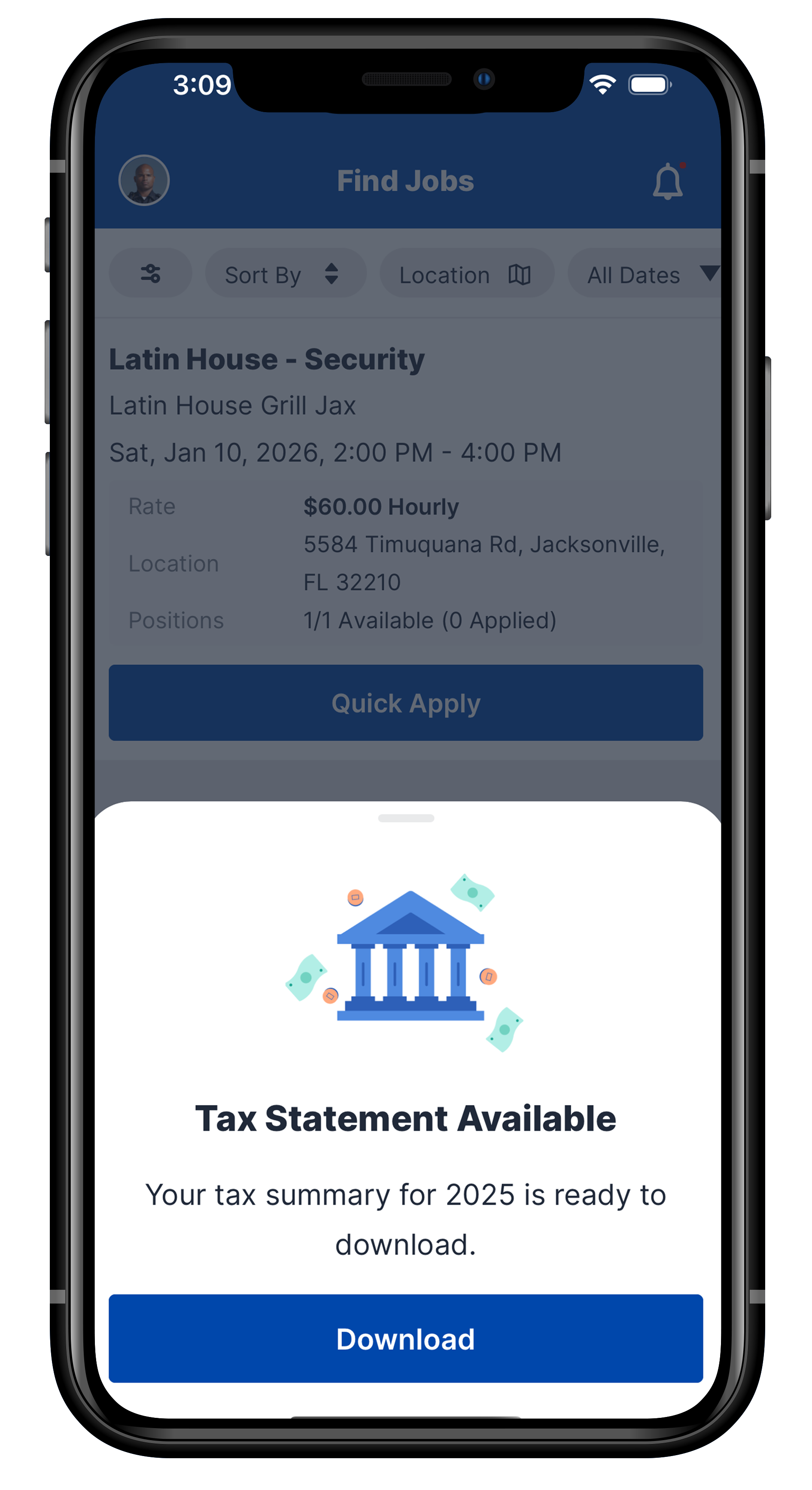
STEP TWO
Once notified that your 2025 RollKall tax documents are available, you will receive this notification to download them from this screen.
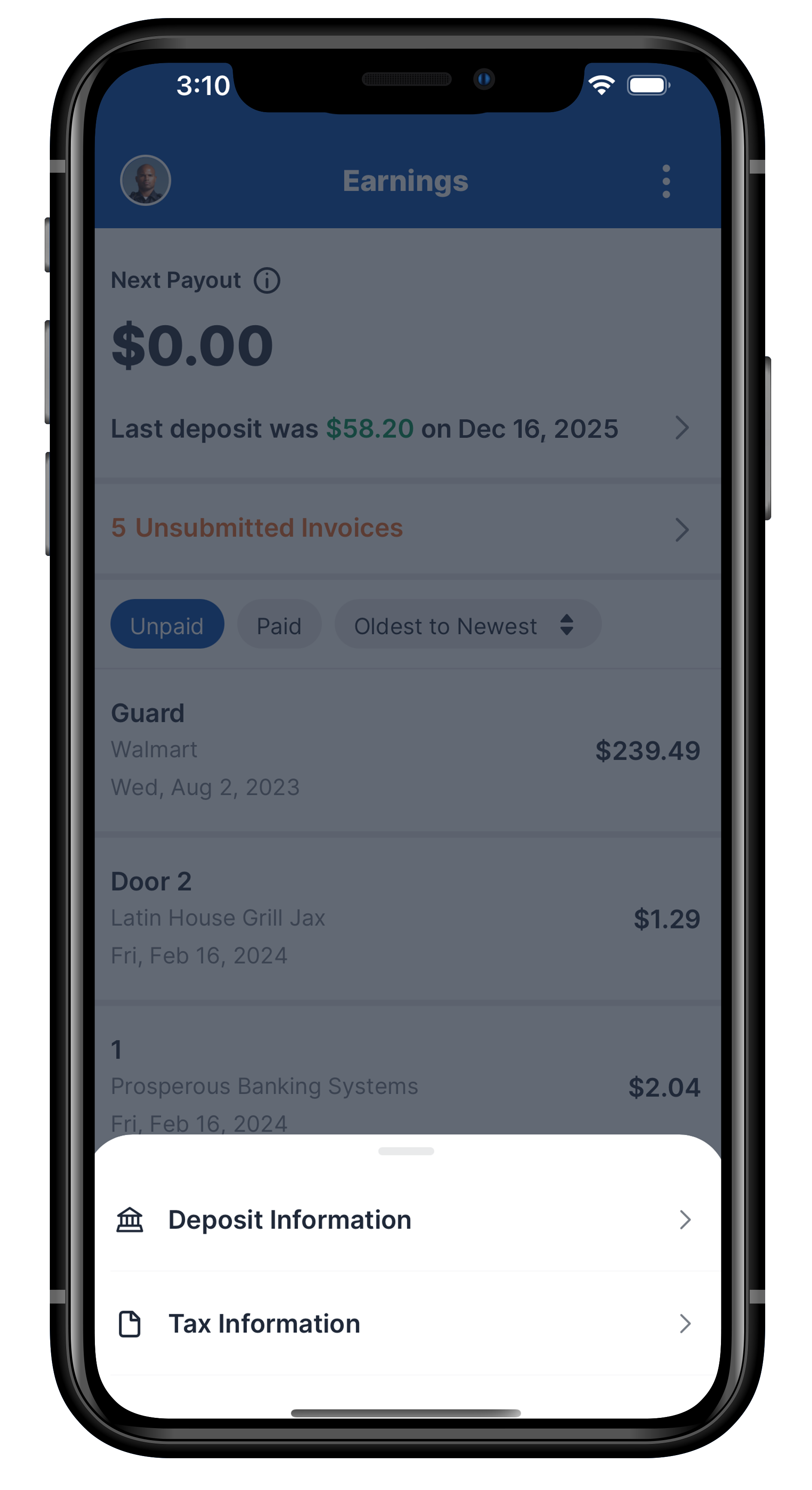
STEP THREE
If you need to access your tax documents at any time after they are available, you can go to the Earnings screen and select the three dots in the top right corner.

STEP FOUR
You will be taken to this screen where you can download any existing tax documents.